Free
free
To try things out and for very small groups.
- 50 photos & videos
- 7 days of storage
- Multilingual
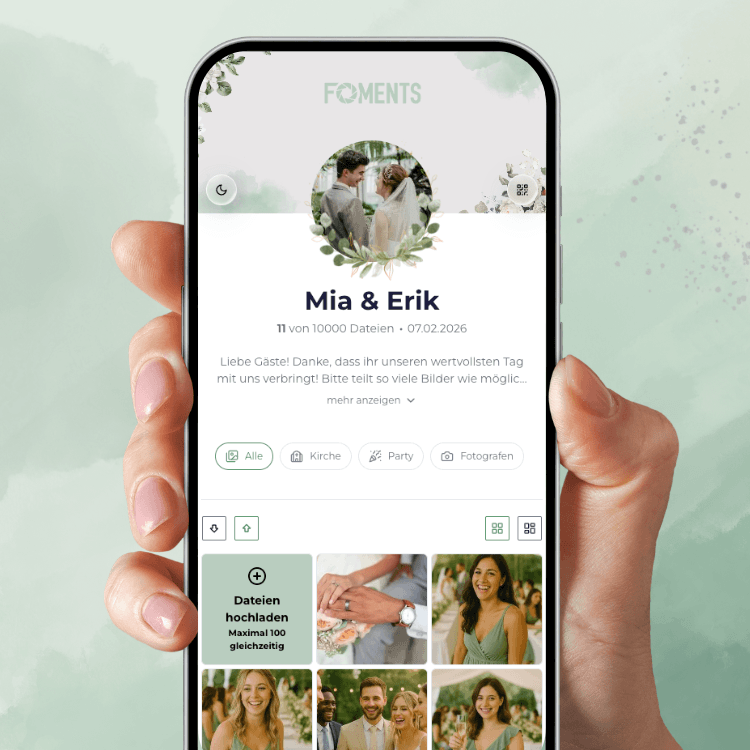
Make your wedding unforgettable with every perspective from your guests. No WhatsApp groups, no lost moments – everything in one place.
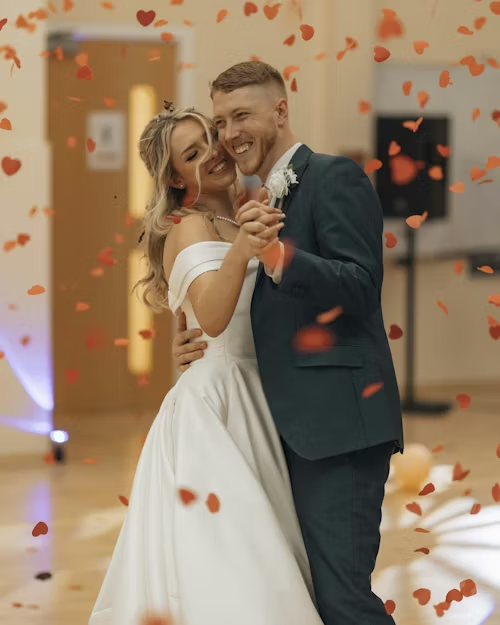
Capture emotional moments
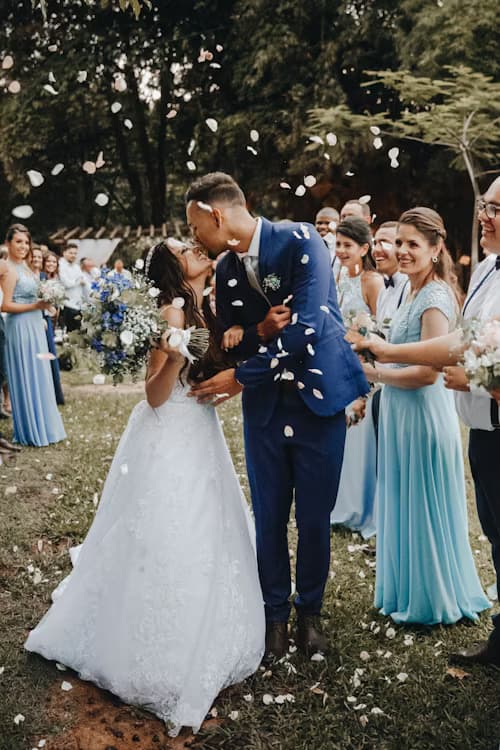
Every guest becomes a photographer, sharing their personal perspective of your big day
Easy sharing via QR code
QR codes on tables, invitations or as stand-up displays – guests scan and upload
All photos in one place
No more WhatsApp groups – all wedding photos in your private gallery
Easy download
Download all photos and videos with one click as a ZIP – in full quality

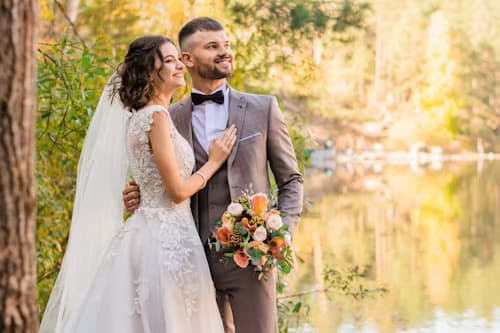
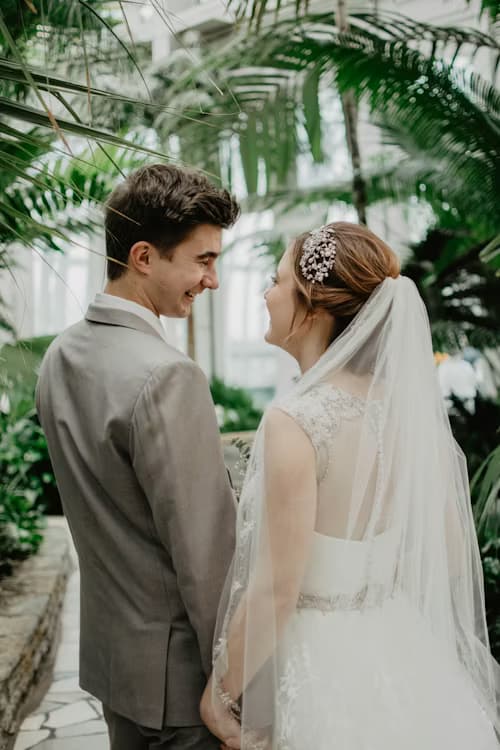
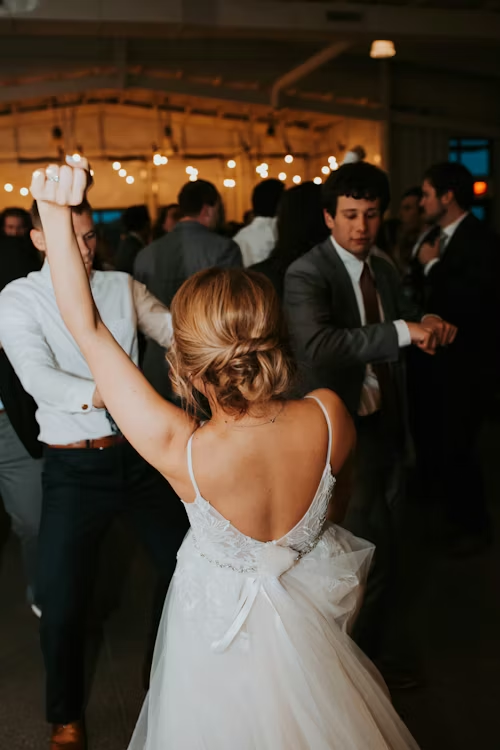

4 simple steps to your wedding photo gallery
Create your wedding event and personalize it with your photo and details
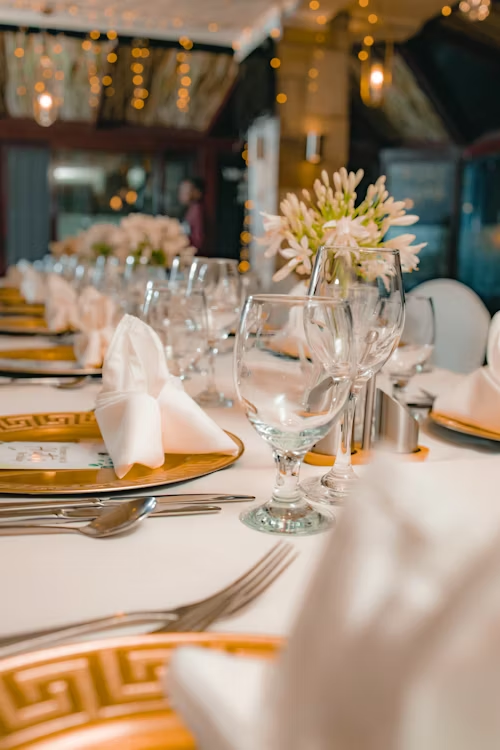
Print the QR code on menu cards, place cards or use stand-up displays at the celebration
Your guests scan the code and upload their best moments directly
Browse all photos in real time and download them later as an album
Where guest photos happen during the day and what you can prepare beforehand.
Set up the event, pick a cover image and give the gallery your names. Print the QR code on invitations or menu cards and send the link to your guest group as well.
Personalise your event pageA stand at the entrance or the drinks reception explains in one sentence what to do: scan, upload photos. Guests who know early where to upload keep shooting all day.
Upload without an app or accountWhile the photographer follows the ceremony, guests capture glances, tears and reactions that are on no shot list.
Table cards or small stands invite guests to upload pictures from their table. A photo task per table turns it into a small game.
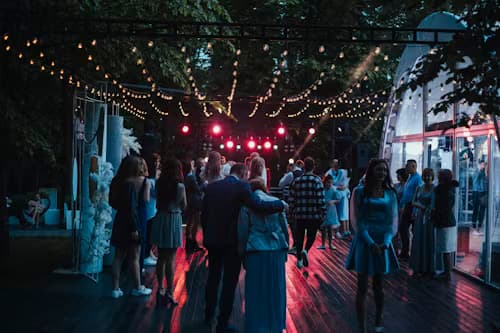
One gallery for everyoneNew uploads appear in real time on a projector or TV. With moderation switched on you only show what you have approved.
Live media wall from PlusDownload the collected photos and videos as a ZIP and keep them safe. A short message reminds latecomers to upload.
ZIP download from PlusTechnology alone does not create guest photos. These small things decide whether the code gets scanned.
Menu cards, table cards and the drinks reception are places where everyone pauses. A sign in the hallway is easily missed.
"Scan and upload photos" is enough. Without an explanation many take the code for decoration.
Small prompts like "A photo of the bouquet in the air" draw attention to moments nobody else captures.
One friend helps with the first upload and mentions the code once more after dinner.
Guests who miss the code or do not have their phone at hand can open the link later in peace.
One sentence the day after brings in the pictures of those who did not get to it in the evening.
Seven things to have done before the celebration.
All plans are for one event and paid once. No subscription.
free
To try things out and for very small groups.
69 € one-time per event
For most weddings: plenty of room for photos and videos, live media wall and several admins.
99 € one-time per event
If you want password protection, folders for parts of the day and a custom link ending.
Practical ideas from the Foments blog (in German).

So gestaltest du stabile, geschützte Tischschilder mit gut scanbaren QR-Codes – vom Standfuß über Papier und Platzierung bis zum Test im echten Eventlicht.
 KI-generiert
Mit diesen 6 Fotoaufgaben für Gäste entstehen auf Hochzeiten, Geburtstagen und Events mehr natürliche, abwechslungsreiche und persönliche Bilder.
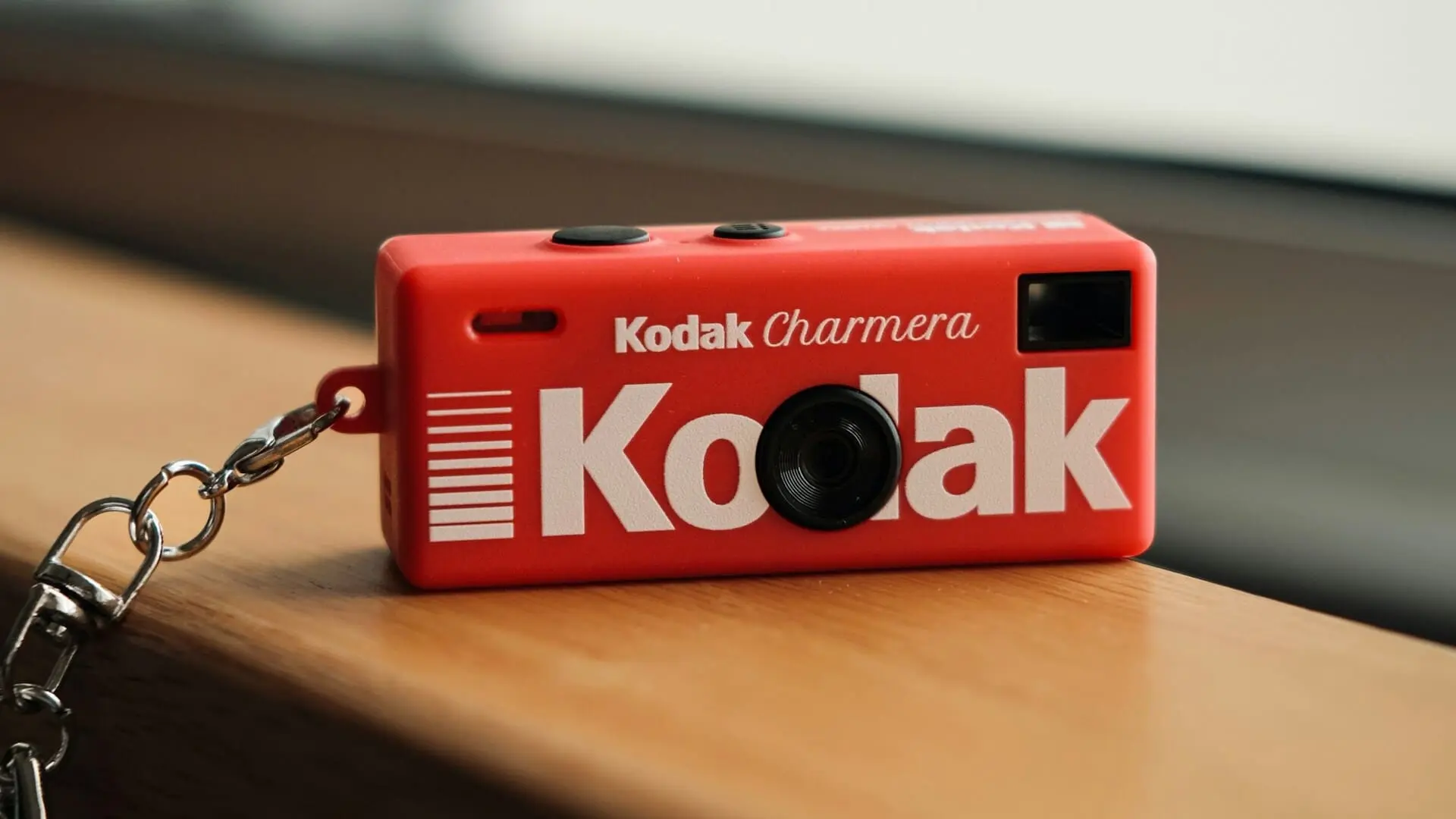
Wegwerfkameras auf der Hochzeit wirken charmant, sind aber oft umständlich. Diese modernen Alternativen liefern mehr Gästefotos und weniger Organisationsaufwand.
Share wedding photos from guests – with a digital album, live slideshow, QR code templates and more. Everything is ready for you.
All photos and videos are automatically saved in a digital album you can access any time.
A live slideshow of photos and videos uploaded by you and your guests during the celebration.
Secure storage, privacy-compliant processing and optional password protection for your private event gallery.
Moderate photos and videos before publishing and selectively approve individual uploads.
Easily adapt your event to your style – with your own colors, personal design and a look that's uniquely yours.
Create custom folders and organize your photos and videos by, for example, Getting Ready, Ceremony, Reception or Party.
If you have more questions, don't hesitate to reach out. We're happy to help! Write to us any time 👋
No. Your guests simply scan the QR code or open the link and can upload photos and videos directly in the browser. No app, no account and no complicated setup.
Yes. You can easily place your QR code on signs, table cards, welcome boards or other stationery so guests can quickly upload their photos and videos.
Uploaded photos and videos can be displayed live during your celebration. This way your guests' memories become part of the event in real time.
Yes. Foments also works for multi-day celebrations, for example for a welcome dinner, the wedding day itself and a morning-after brunch.
Yes. Your gallery is private and only accessible to people you share the link or QR code with. You can also protect your wedding gallery with a password.
Yes. You can enable manual moderation in the event settings and decide which uploads become visible in your wedding gallery before publication.
Yes. All uploaded photos and videos are collected in one place and can be downloaded by you at any time. Your guests can also download photos directly from the gallery if you allow it.
Unlike WhatsApp groups or general photo apps, Foments keeps all photos and videos collected, organized and in one place. Nothing gets lost in chats, and you don't have to chase every guest for their photos after the wedding.
Yes. A photographer captures the planned highlights, while Foments helps you collect the spontaneous and personal moments from your guests that you often miss yourself. If you'd like, you can also upload the photographer's photos to the gallery so everything is in one place.
Yes. As long as your guests have internet access, they can upload photos and videos from anywhere. This makes Foments ideal for destination weddings too.
Foments is paid once per event, there is no subscription. The Free plan costs nothing and is for trying things out. For weddings there are Plus and Pro with more space and more features. Current prices are on the pricing page.
That depends on the plan: from one week on Free to one year on Pro. Download your gallery as a ZIP in good time if you want to keep it permanently.
Ideally a few days to weeks before the celebration so you can print the QR code and set up the gallery. Creating it only takes a few minutes.
No, it is optional and available from the Plus plan. Many couples use it as an evening highlight. Without it all uploads end up in your gallery just the same.