Free
free
To try things out, for example at a small team meeting.
- 50 photos & videos
- 7 days of storage
- Multilingual

Foments reduces manual effort and delivers usable content from real perspectives. Ideal for internal communications, employer branding and event recaps.
Upload without any app
Employees, partners and clients scan the QR code and upload directly in the browser.
GDPR-compliant infrastructure
Secure processing on EU servers, optionally with moderation and password protection.
One album for all teams
No chat chaos: all photos and videos land centrally and organized in one place.
Ready for marketing right away
Export content after the event as a ZIP and use it internally straight away.

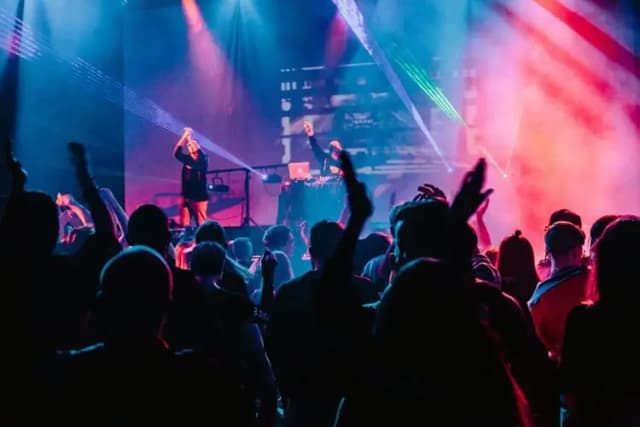





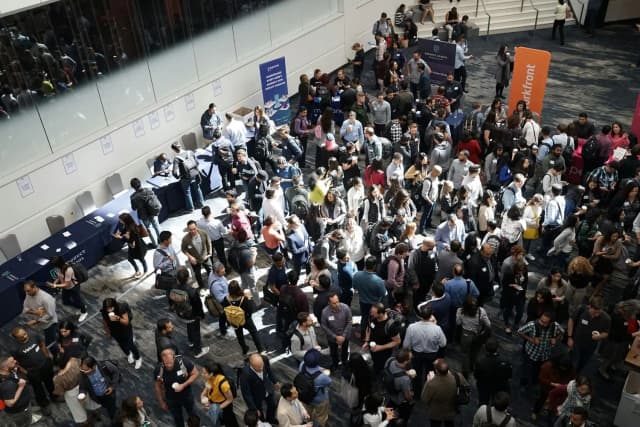
4 steps to your central corporate event gallery
Create the corporate event with branding and define upload rules.
Place on screens, badges, slides or event signage.
Teams upload photos and videos in real time during the event.
Download assets and use them for employer branding or recaps.
How teams and marketing turn a company event into usable content.
Create the event and decide whether uploads are reviewed before they are published. Several admins can manage the event together (from Plus).
Moderation and several adminsThe QR code belongs in the invitation, on name badges, slides or event signage. That way it is visible before the programme starts.
Upload without an app or accountEmployees, partners and guests upload photos and videos directly in the browser. No installation or sign-up is needed.
With moderation and the live media wall (from Plus) you show only approved content on screens in the room.
Live media wall from PlusDownload all photos and videos as a ZIP and hand them to marketing, HR or communications. After the storage period ends the event data is deleted.
ZIP download from PlusHow a photo collection becomes usable material instead of a pile of data.
If only on-brand pictures should appear, review uploads before they are published and approve them one by one.
One person from communications or HR keeps an eye on the gallery and approves content when moderation is active.
Keynote, workshop, dinner: on the Pro plan thousands of uploads stay organised.
If you want to use photos externally, clarify beforehand what is allowed. Our article on GDPR and image rights explains what matters.
A mention in the welcome and a slide during breaks keep the code from being forgotten.
Decide who saves the gallery as a ZIP and where the files go afterwards, before the storage period ends.
Seven steps before the day of the event.
All plans are for one event and paid once. No subscription.
free
To try things out, for example at a small team meeting.
69 € one-time per event
For events with several admins, a live media wall and adapted looks.
99 € one-time per event
If password protection, folders, a custom link ending and no Foments branding for your guests matter.
Background and comparisons from the Foments blog (in German).
Was ist bei Eventfotos privat erlaubt, wann braucht es eine Einwilligung und wo wird es heikel? Ein praxisnaher Leitfaden zu DSGVO, Bildrechten, Hinweisen und Löschwünschen.

So setzt du eine Live-Wall auf Events richtig ein: Technik, Ablauf, Moderation und QR-Code-Tipps für mehr Uploads und eine Diashow, die Gäste wirklich mitzieht.
 KI-generiert
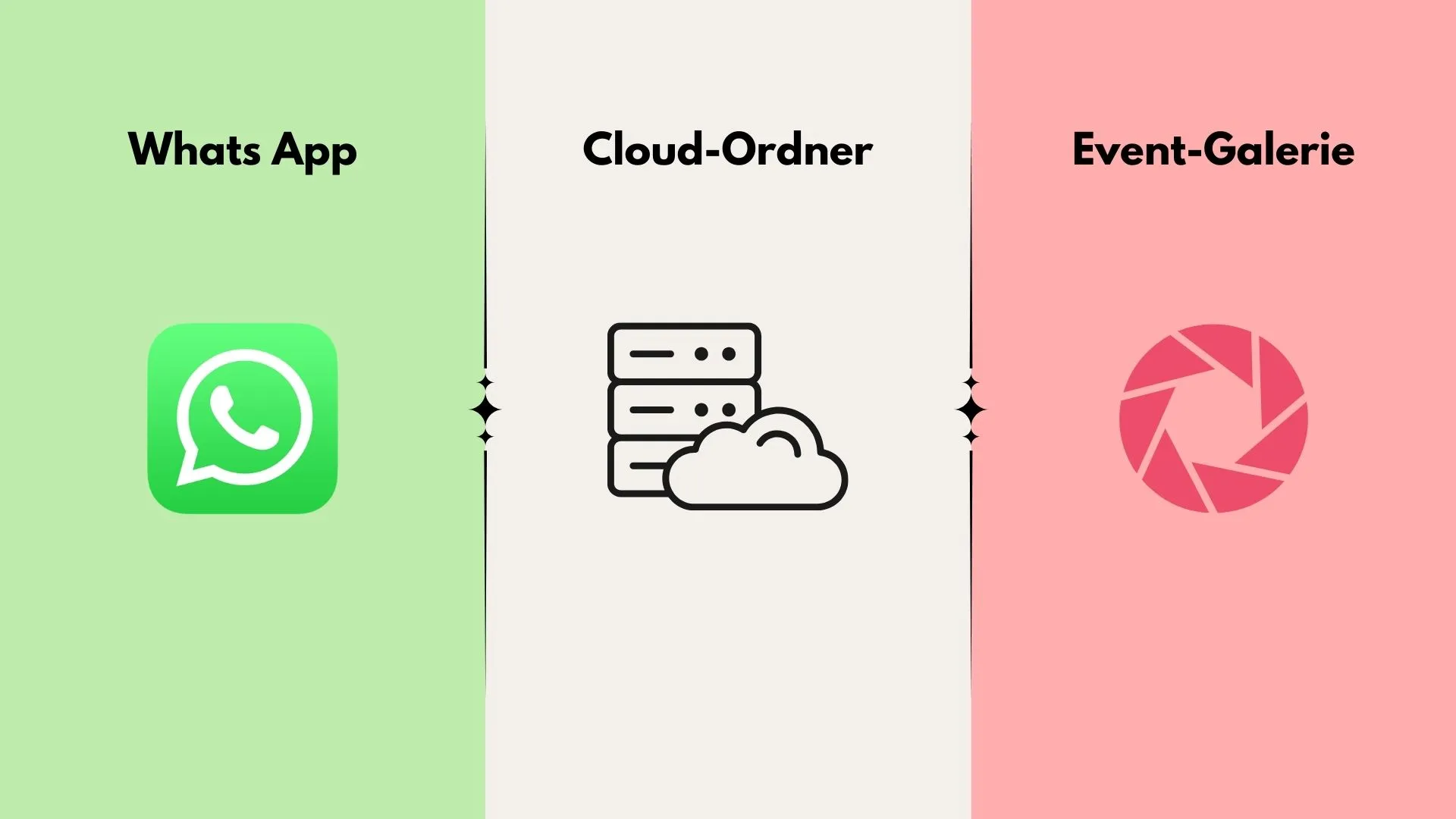
WhatsApp, Cloud-Ordner oder Event-Galerie? Dieser Vergleich zeigt, welche Lösung sich für Hochzeiten, Geburtstage und Firmenevents wirklich eignet.
Collect team photos in a structured, privacy-compliant way without any app barrier.
If you have more questions, don't hesitate to reach out. We're happy to help! Write to us any time 👋
With a central QR code on displays, name badges or table stands. Employees and guests upload directly in the browser, without an app or account. This lowers the barrier significantly and leads to a much higher upload rate.
Yes. Foments works for small internal team events just as well as for larger corporate events with many attendees. You can collect everything in one event or organize by occasion separately.
Yes. Uploads are processed GDPR-compliantly and stored on EU servers. Only you and the people you share the event link or QR code with have access.
Yes. Enable moderation to review uploads before approving them. This keeps the event gallery on-brand and professional.
You get started quickly and choose the right plan based on event size and requirements. Find the details on the pricing page.
In just a few minutes. Create the event, share the QR code, start collecting. If you need help, support is there for you directly.
Foments is paid once per event, there is no subscription. Plus and Pro differ in space, storage time and features such as password protection and folders. Current prices are on the pricing page.
Yes. Several admins are possible from the Plus plan. This lets communications and the event team moderate together, for example.
That depends on the plan: from one week on Free to one year on Pro. After that the event data is deleted. Download the content as a ZIP beforehand.
All media is stored on European servers and processed in line with the GDPR. Only people you share the link or QR code with have access.